Module · POS & Inventory

Sell. Stock. Reconcile.

Point-of-sale, online checkout, and inventory share one product database. Stock moves once, posts to the ledger automatically, shows up on the next day's P&L. Multi-location ready.

Replaces Square Shopify POS Lightspeed Vend Cin7 TradeGecko
$0
Per terminal · ever
2.6%
Card processing · flat
14
POS sub-modules
Locations · per workspace
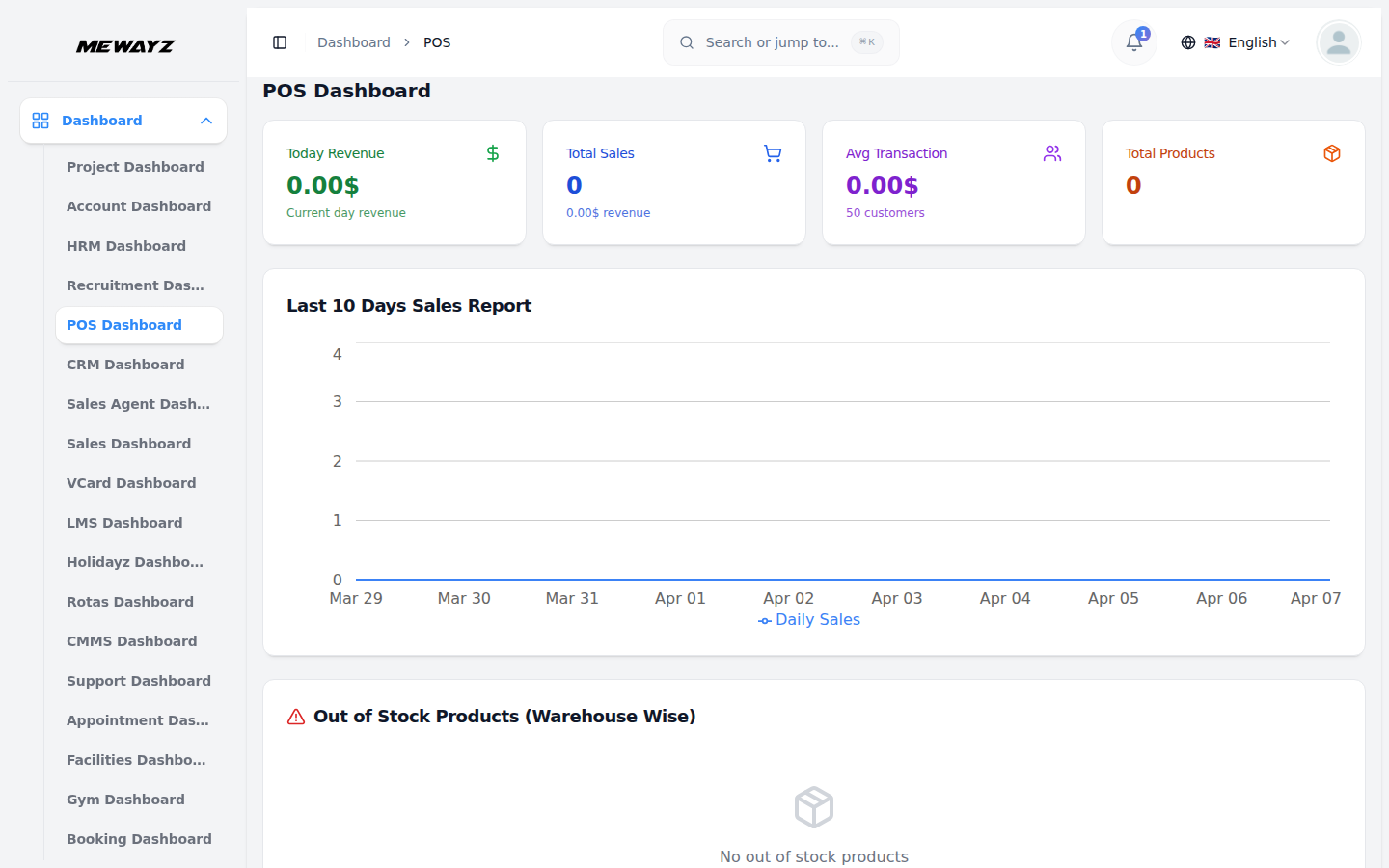
Mewayz POS dashboard
What it does · The core

Front of house. Back of house.

The POS module covers retail, hospitality, services, wholesale, and digital. The same product record powers your storefront, your in-person POS, and your accounting.

Feature 01 · Point of sale

Ring it up.
Anywhere.

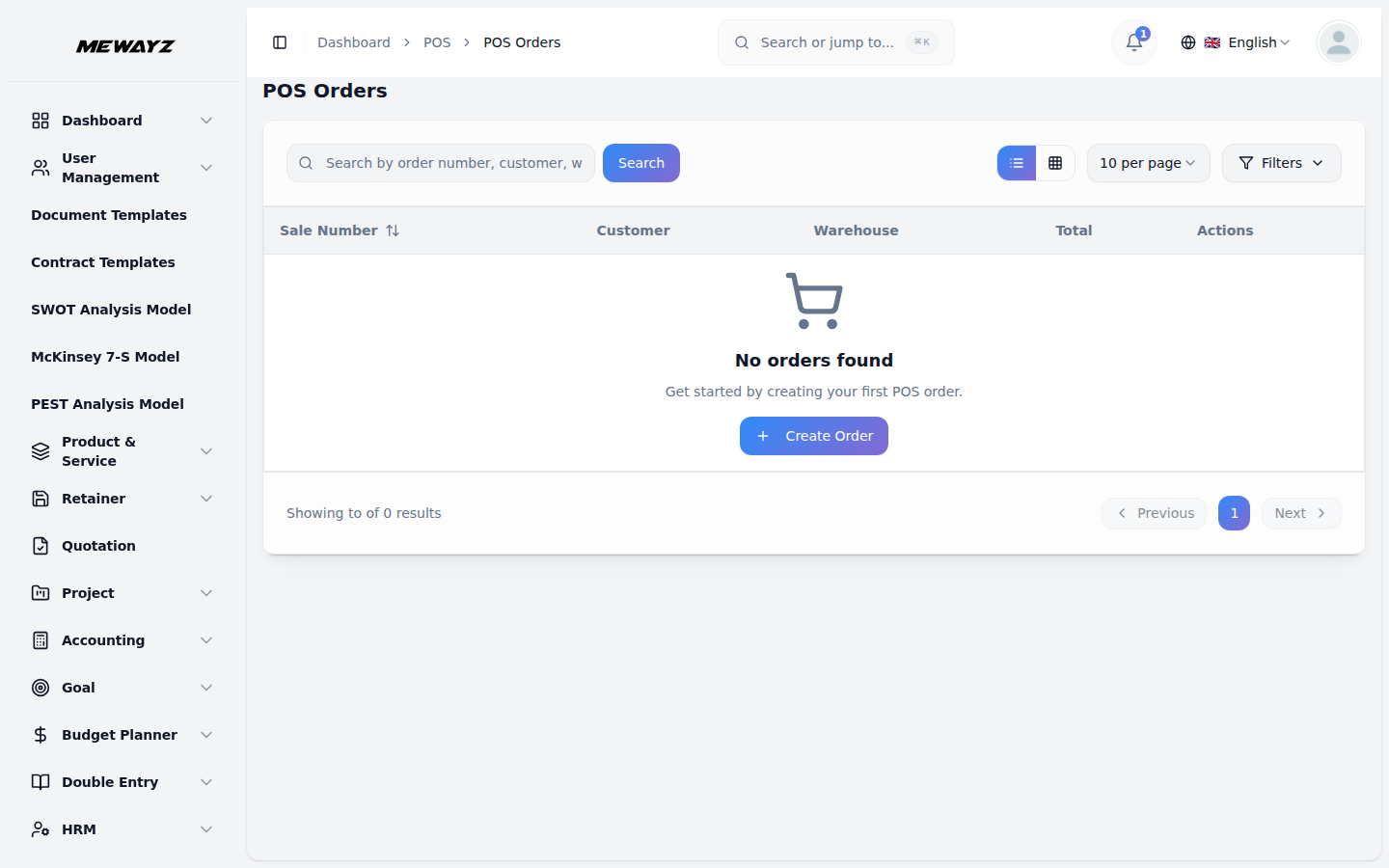
iPad and tablet POS. Card present, card not present, cash, gift card, store credit. Discounts, splits, holds, refunds — the operations a real till needs, not just a checkout demo.

  • iPad / tablet / web register
  • EMV chip + tap, swipe fallback
  • Tabs, splits, holds, refunds
  • Tipping & gratuity (US)
POS orders
Feature 02 · Inventory

Stock that stays accurate.

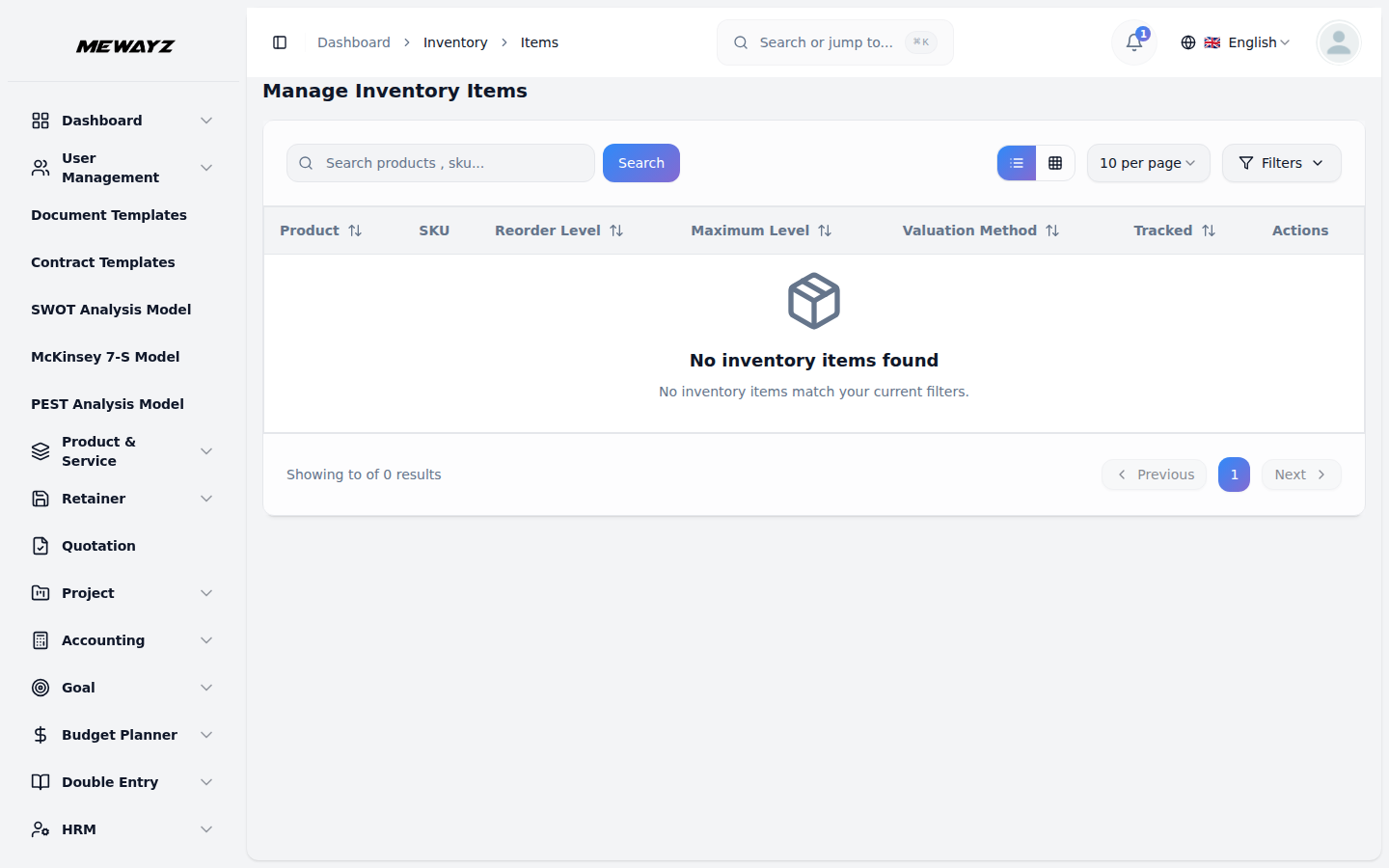
Real-time stock counts across locations. Variants, bundles, kits. Auto-reorder alerts. Receive purchase orders against the same products you sell. Cycle counts without a spreadsheet.

  • Multi-location inventory
  • Variants, bundles, kits
  • Auto-reorder thresholds
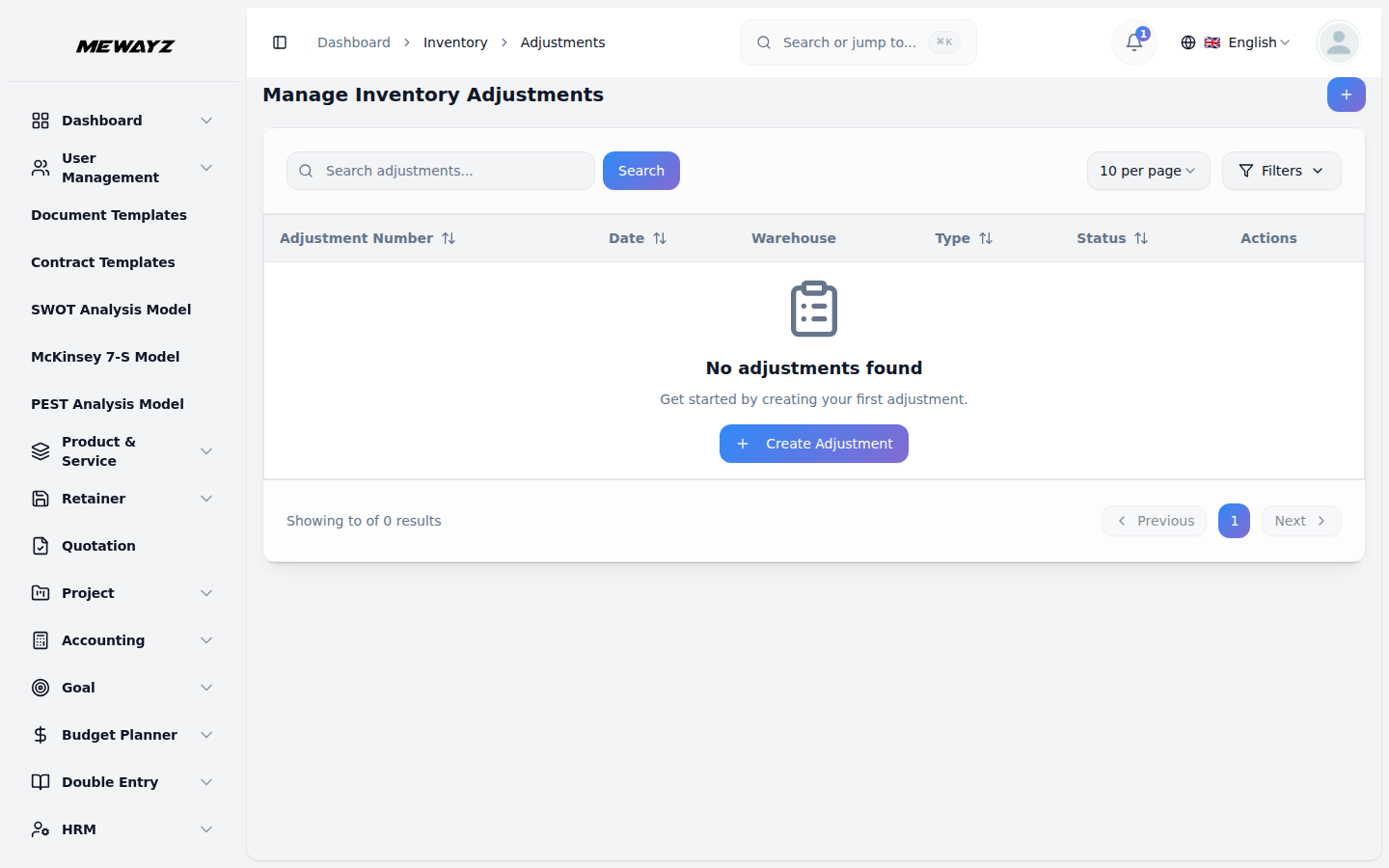
  • Cycle counts + adjustments
Inventory items
Feature 03 · Products & SKUs

One catalog.
Many channels.

The product record powers the in-store register, the online storefront, and the wholesale ordering portal. Update price once, propagate everywhere.

  • Master product catalog
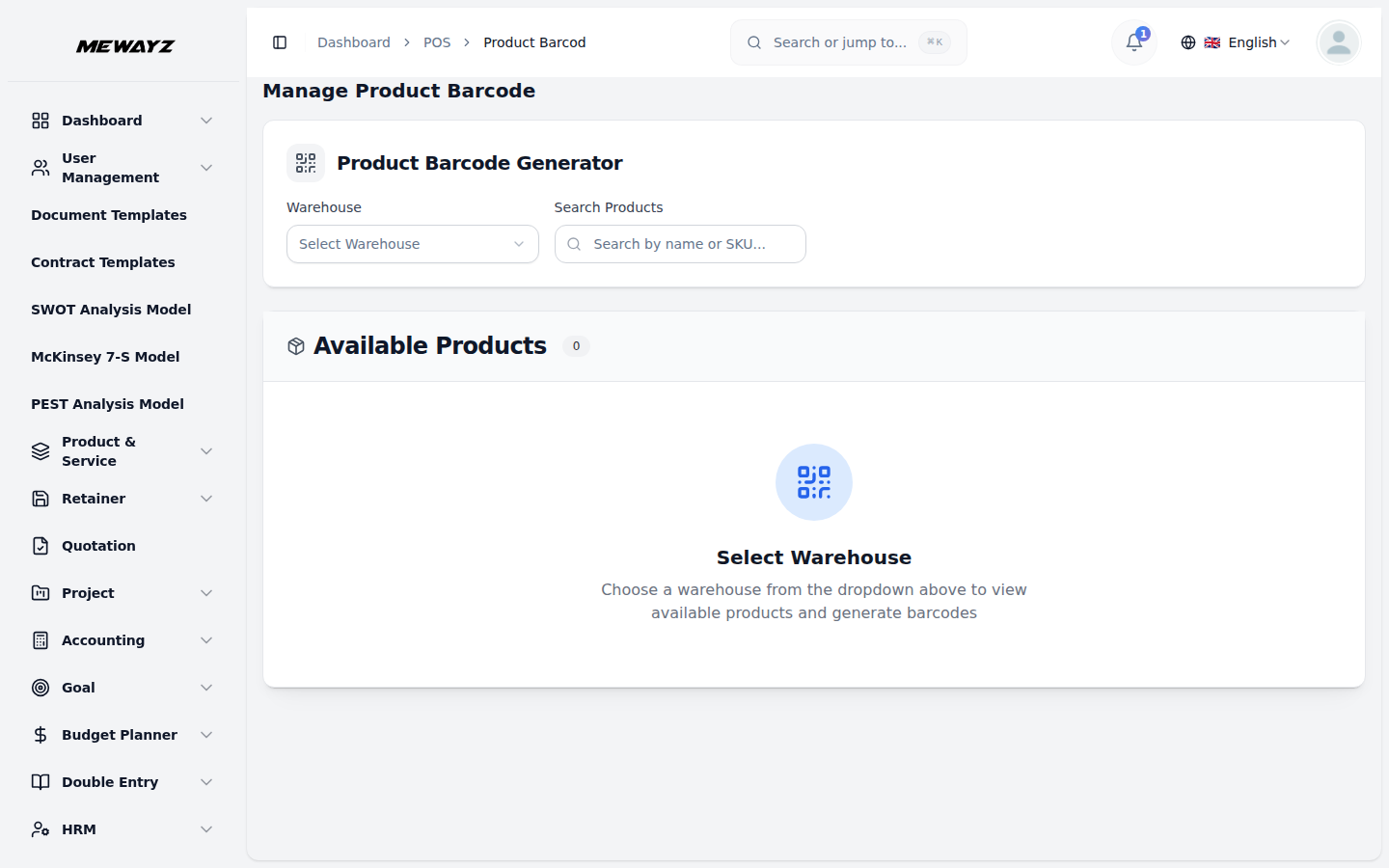
  • Barcodes & SKU printing
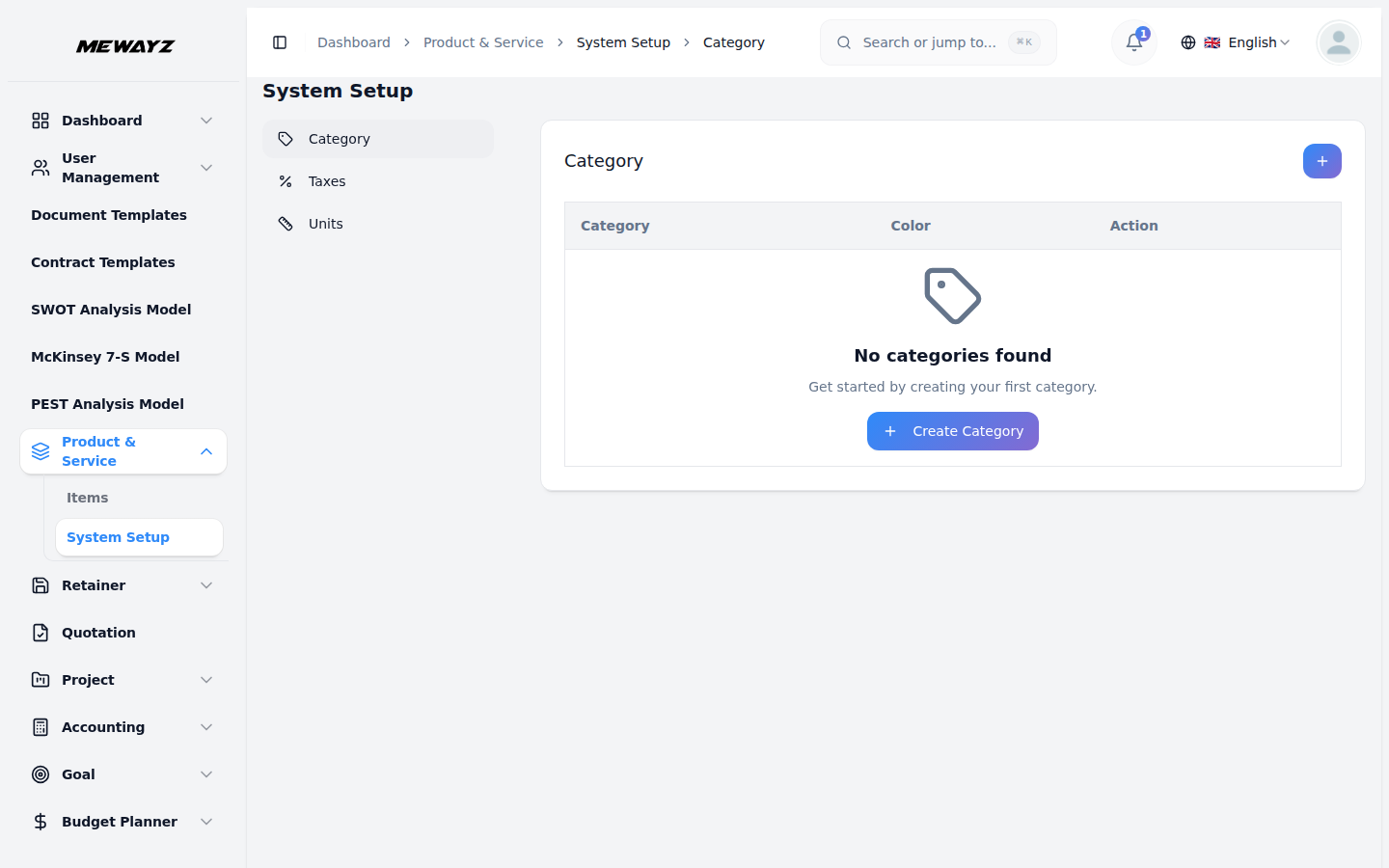
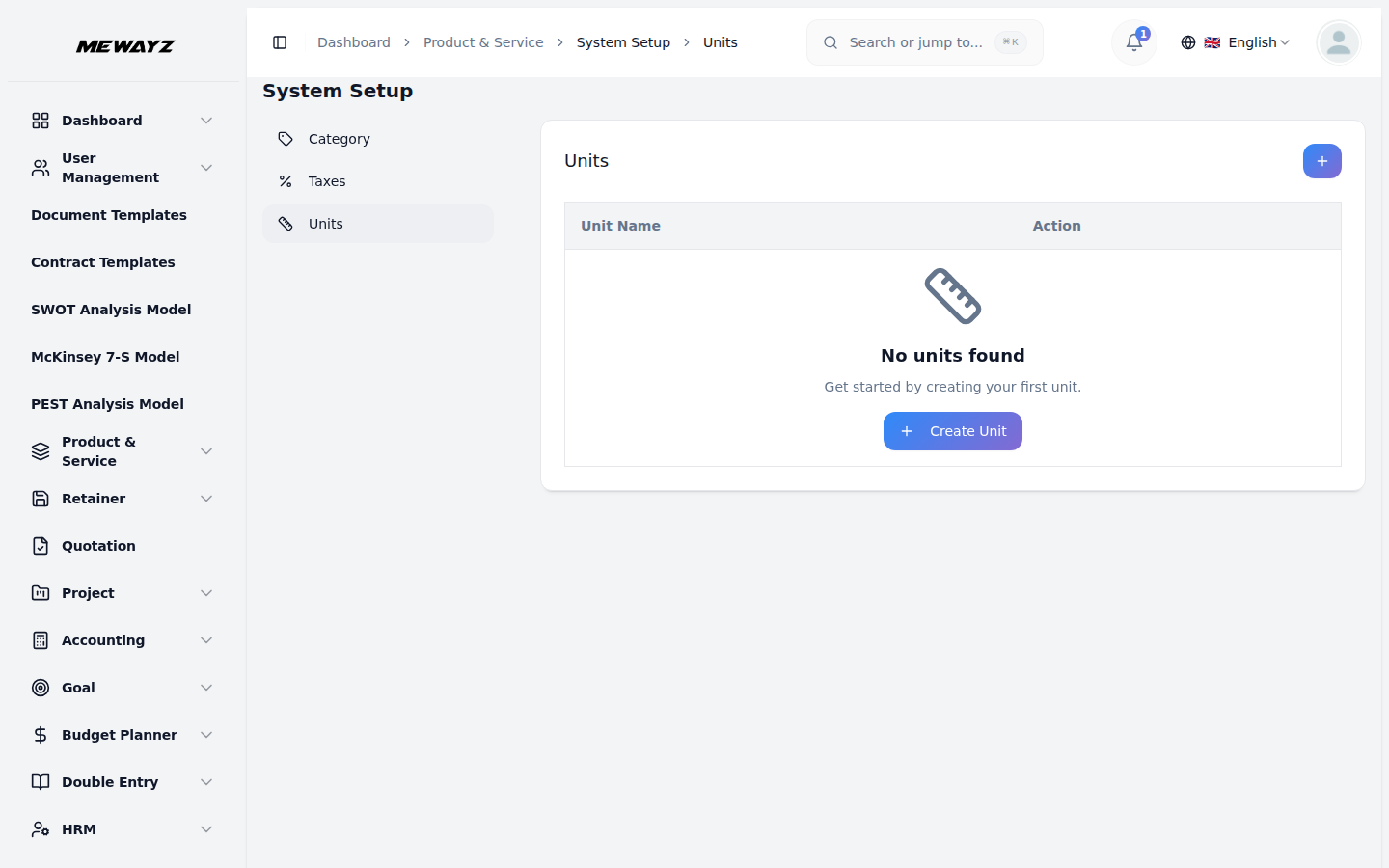
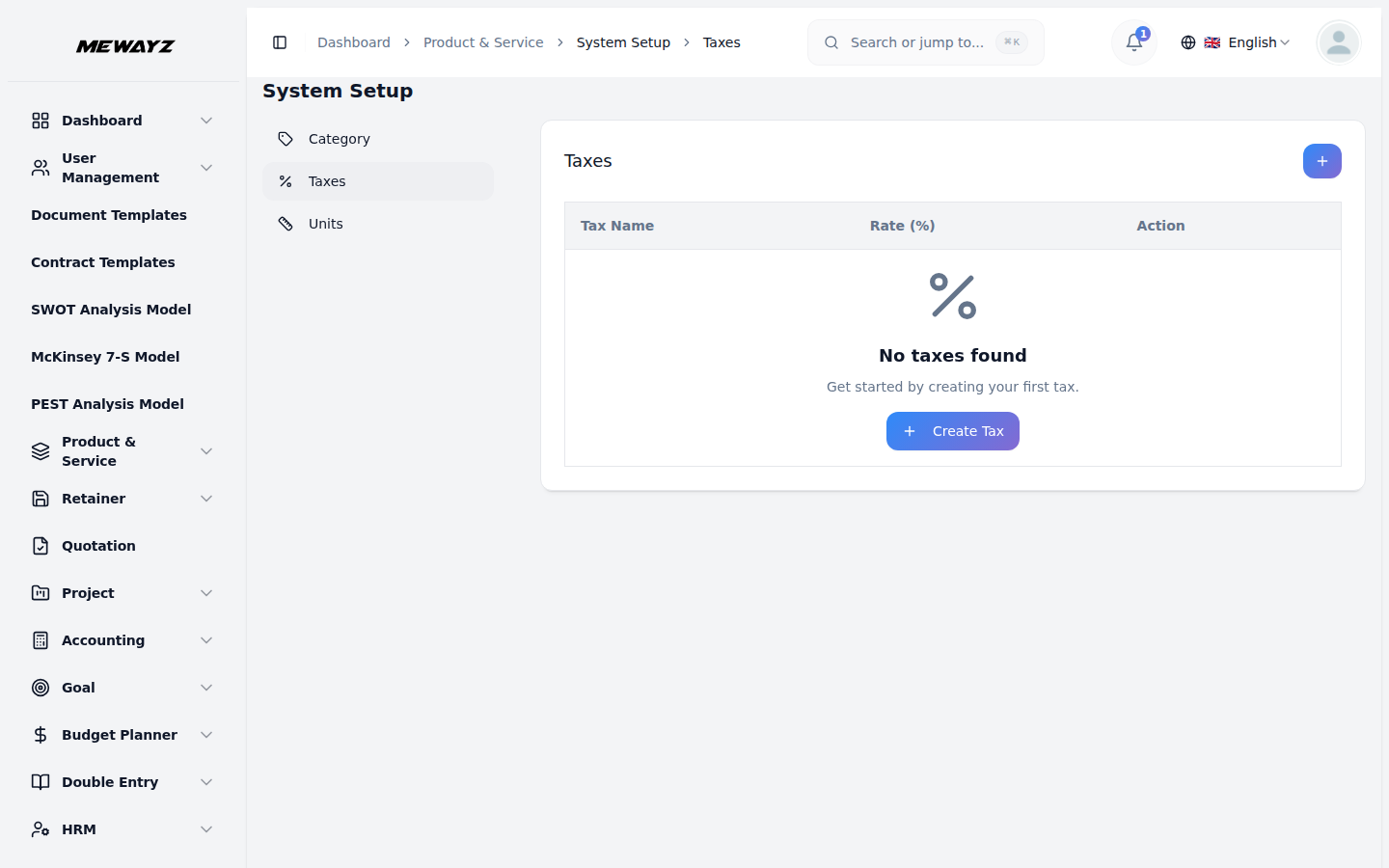
  • Categories, units, taxes
  • Photos, variants, modifiers
POS products
Feature 04 · Reports

Sales, by everything.

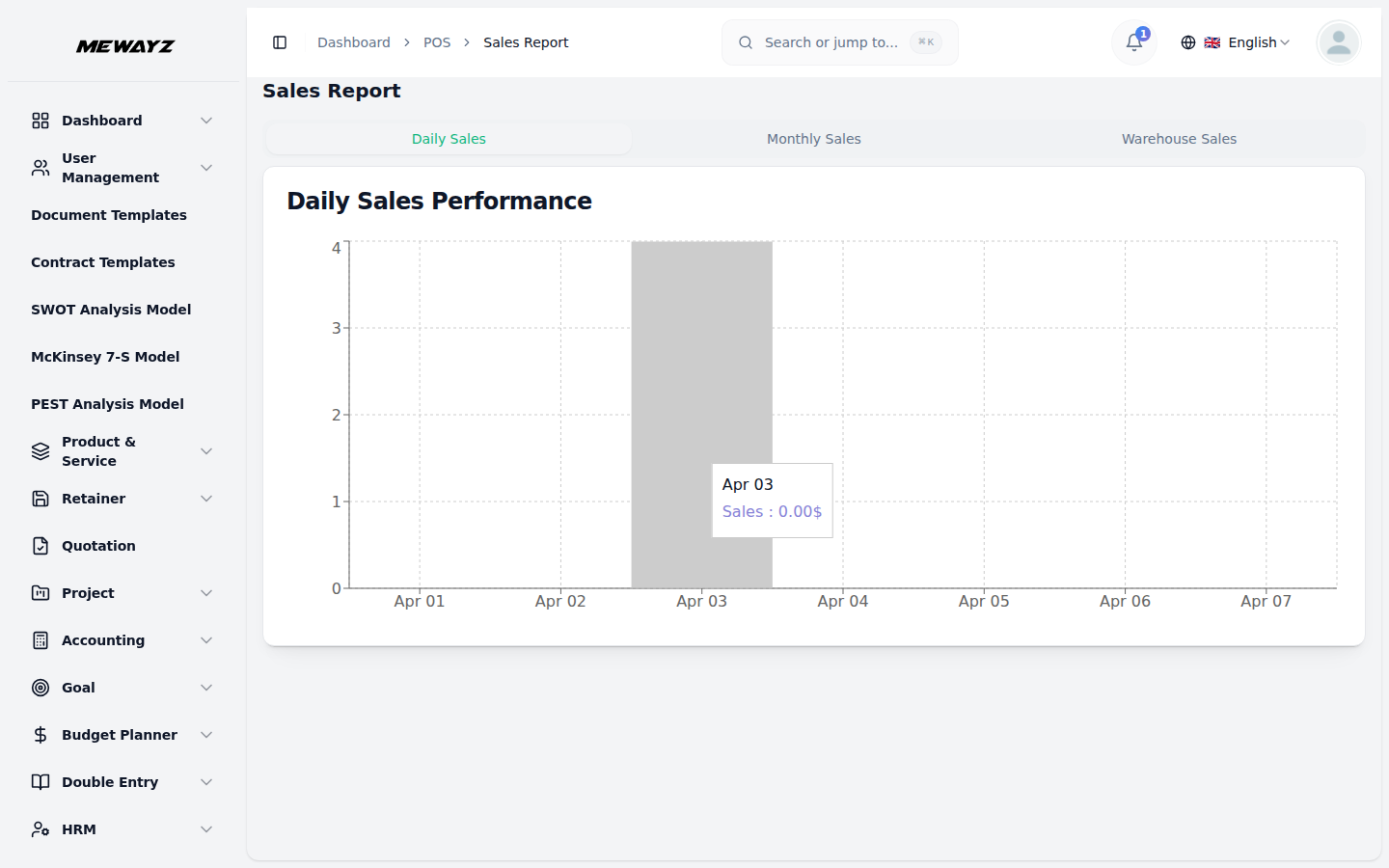
Daily, weekly, by item, by register, by employee, by location. The reports the GM looks at on Monday morning, not a generic dashboard library.

  • Sales by SKU, time, location
  • Best / worst sellers
  • Customer RFM segments
  • Margin + velocity per item
Sales report
Inside POS · 14 views

Every POS view, in one place.

Selling

01
POS dashboard
Live transactions, top items, register state.
02
Products catalog
Master products with variants, photos.
03
Orders
Open tabs, paid, refunded.
04
Barcode & SKU
Print labels, scan to pull product.
05
Sales report
By time, register, location.
06
Product report
Best / worst sellers, velocity.
07
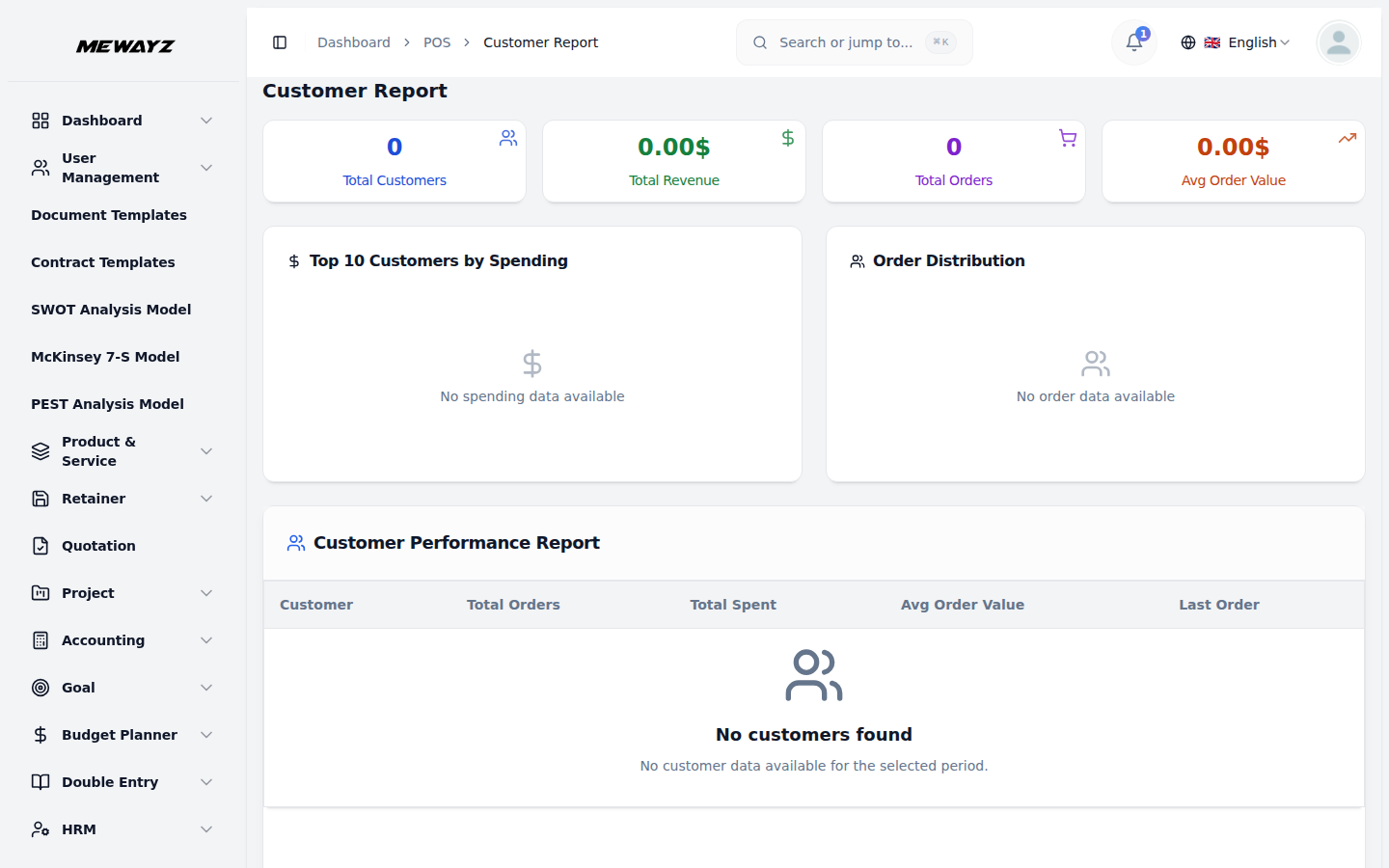
Customer report
RFM, lifetime value.

Inventory & products

08
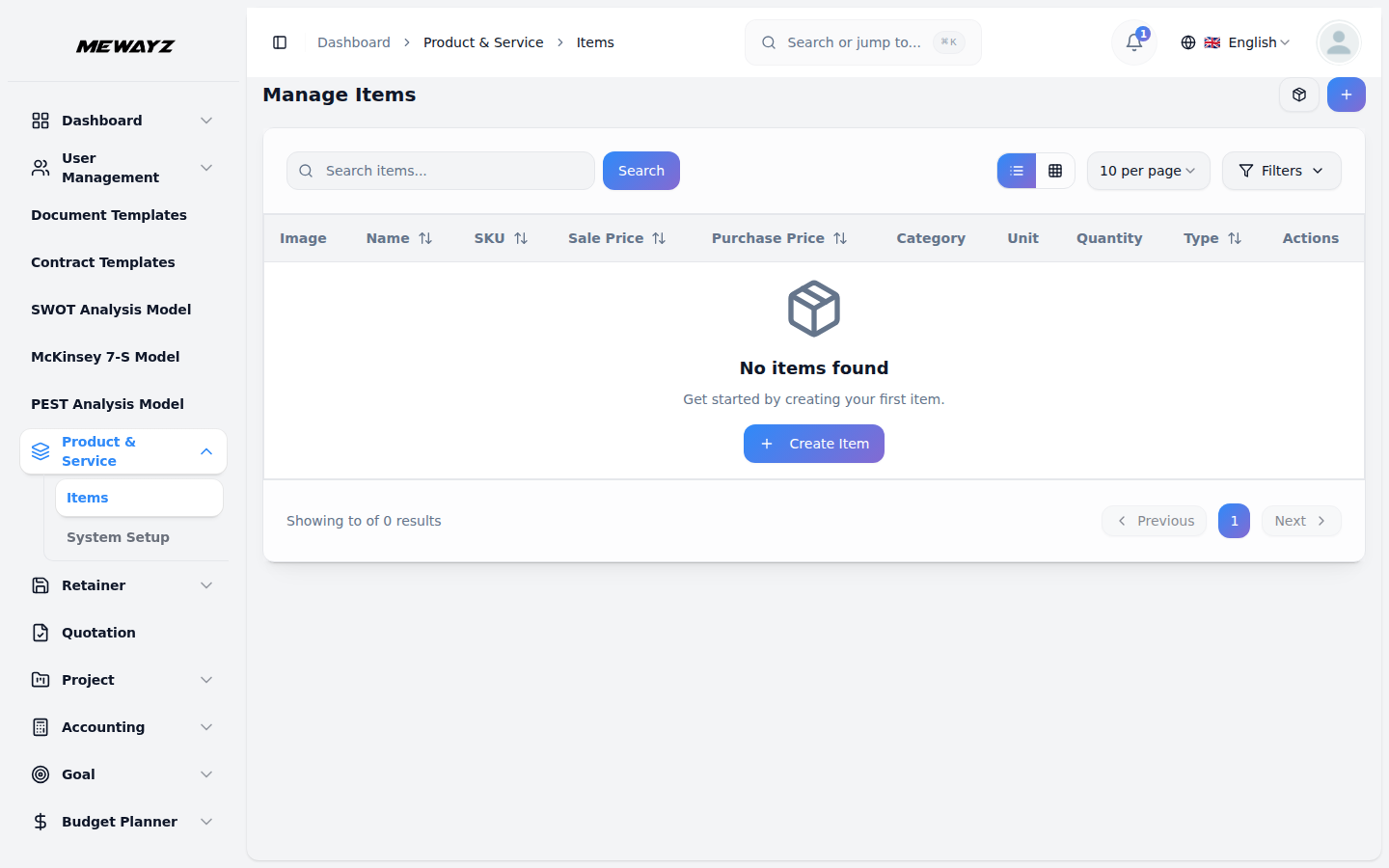
Inventory items
On-hand, committed, on-order.
09
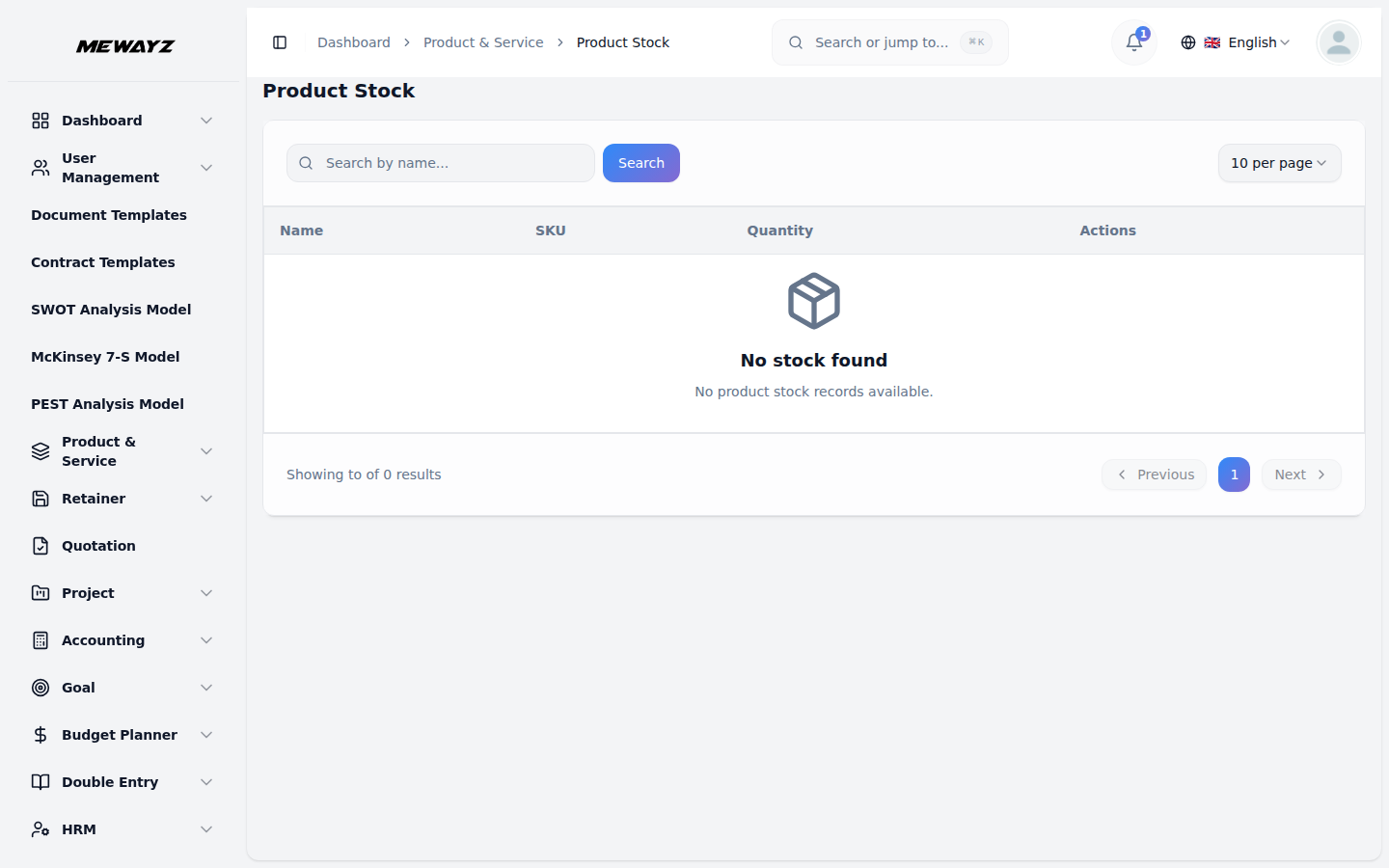
Product stock
Multi-location stock view.
10
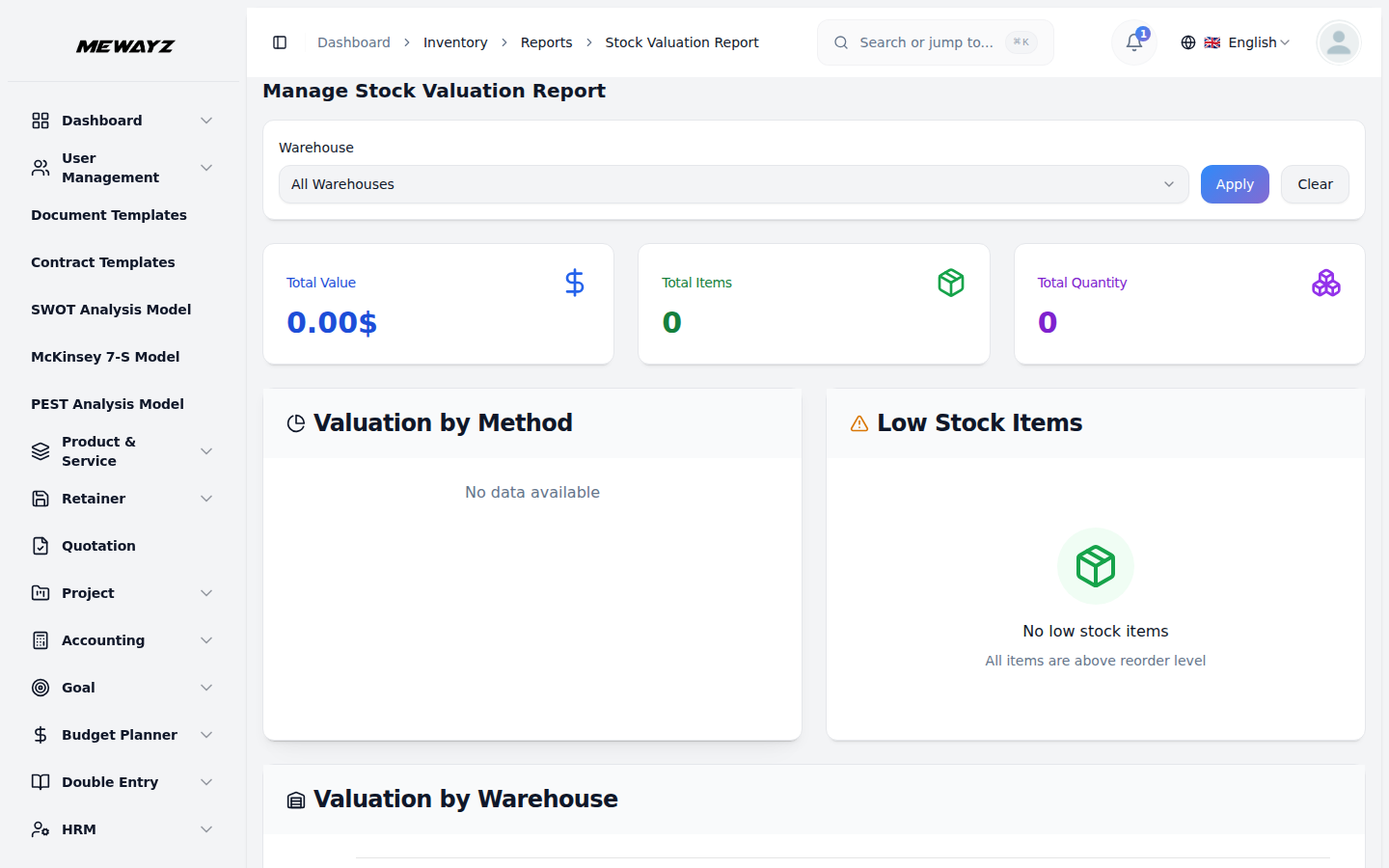
Stock valuation
FIFO / weighted-average.
11
Stock adjustments
Counts, write-offs, transfers.
12
Product items
SKU-level master record.
13
Categories
Product hierarchy.
14
Product taxes
Per-product tax mapping.
15
Units of measure
kg / lb / box with conversions.
From shelf to ledger · One swipe

The sale at the till hits the books in real time.

Step 01
Scan + tap
Cashier rings up the item, customer taps the card.
Step 02
Stock decrements
Real-time inventory update across all locations.
Step 03
Revenue posts
Auto-journal to revenue, COGS, sales tax.
Step 04
Customer record
Purchase appears in customer history for next time.
Connects to · Other modules

POS + the rest.

See also · Comparisons & industries

Where this module shines.

Inside Commerce & Inventory · 14 modules

Every module, its own page.

Each module in Commerce & Inventory is a full page of its own — open any one to see what it does and the exact tool it replaces.

One POS.
One platform.

Unlimited registers, unlimited locations. Card processing at flat 2.6% — no monthly fee, no setup fee.